Technical SEO Checklist for 2026
The technical checks that decide whether Google can crawl, index and load your site properly, grouped by priority with free tools for each one.
Read the guideA practical, step by step way to improve LCP, INP and CLS on an existing WordPress site, starting with the fixes that usually make the biggest difference.
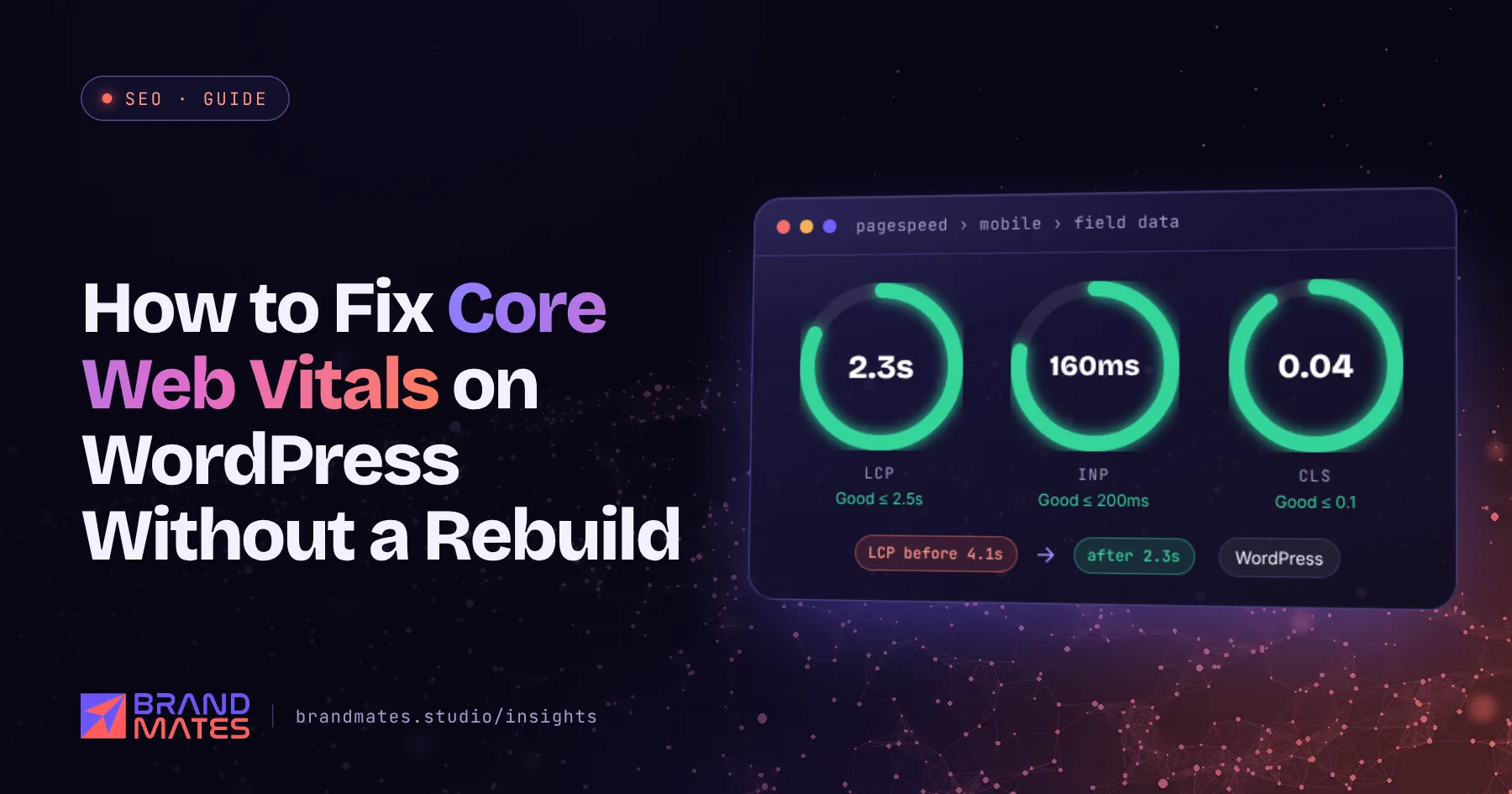
When a WordPress site fails Core Web Vitals, the first suggestion is often a full rebuild. In most cases that is not necessary.
Slow WordPress sites are usually slow for a handful of fixable reasons: heavy hero images, too many plugins loading scripts on every page, no caching, a slow server or a page builder adding layers of code. This guide explains how to fix Core Web Vitals on WordPress step by step, starting with the changes that usually make the biggest difference. It is part of our complete SEO guide for businesses.
Core Web Vitals are three metrics Google uses to measure real visitor experience. A page passes when at least 75% of real visits meet the "good" threshold for each metric.
| Metric | What it measures | Good | Poor |
|---|---|---|---|
| Largest Contentful Paint (LCP) | How quickly the main content appears | 2.5 seconds or less | Over 4 seconds |
| Interaction to Next Paint (INP) | How quickly the page responds to taps and clicks | 200 ms or less | Over 500 ms |
| Cumulative Layout Shift (CLS) | How much the layout moves while loading | 0.1 or less | Over 0.25 |

INP replaced First Input Delay in March 2024. If a plugin, report or agency still talks only about FID, their advice is out of date.
Core Web Vitals are one part of Google's page experience signals. They will not lift a weak page above a much better one, but between pages of similar quality, a faster page has an advantage. More importantly, slow pages lose visitors and leads.
Before changing anything, find out which pages fail and which metric is the problem.
Note which template fails: the homepage, service pages, blog posts or product pages. Fixing one template often fixes hundreds of URLs at once.
A slow server delays everything that follows.
On most WordPress pages, the LCP element is the hero image, a large banner or the main heading. PageSpeed Insights shows you which element it is in the "LCP breakdown" insight, along with how long each stage of loading it took.
If it is an image:
fetchpriority="high" so the browser fetches it early.<img src="/wp-content/uploads/hero.webp" width="1200" height="630"
fetchpriority="high" alt="Drone light show over a wedding venue">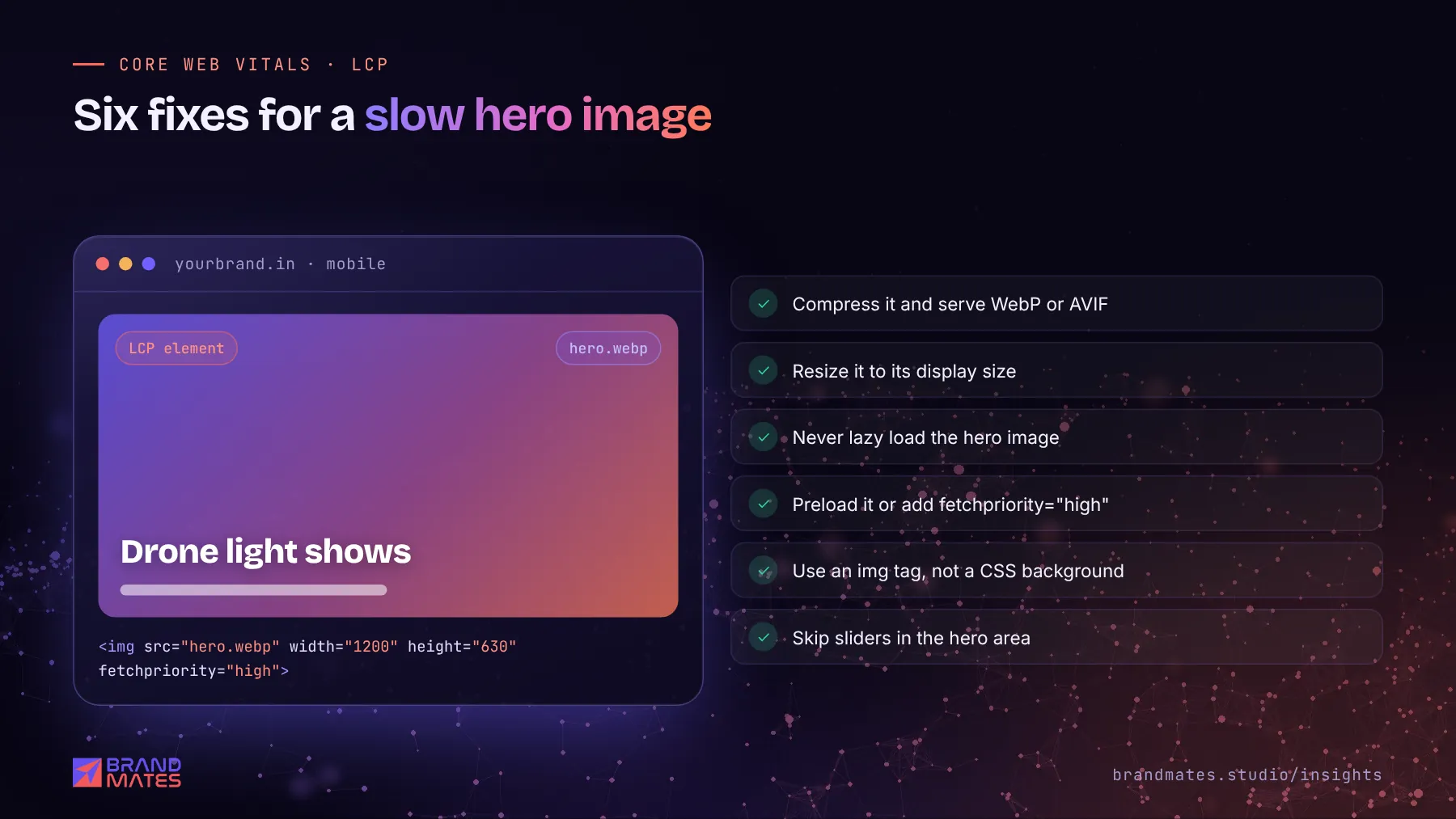
WordPress themes and plugins often load their CSS and JavaScript on every page, whether it is needed or not.
Test after each change. Deferring or combining scripts can occasionally break a feature, so check forms, menus and checkout before moving on.
INP measures how quickly the page responds when someone taps a button, opens a menu or types in a form. Poor INP usually comes from heavy JavaScript.
Not sure what is holding your site back?We check technical health, content, competitors and AI visibility, then send a prioritised fix list within two working days.
Layout shift happens when content moves after it first appears, usually because something loads late and pushes other content down.
font-display: swap carefully and match fallback fonts closely to reduce text jumping when web fonts load.| Symptom | Likely cause | Fix |
|---|---|---|
| Poor LCP on every page | Slow server, no caching | Page caching, CDN, better hosting |
| Poor LCP on key templates | Large or lazy loaded hero image | Compress, resize, preload, remove lazy load |
| Poor INP | Heavy JavaScript, third party scripts | Remove or delay scripts, simplify builder layouts |
| Poor CLS | Images without dimensions, late banners | Set width and height, reserve space |
| Good lab score, poor field data | Real visitors on slower phones and networks | Optimise for mid range Android phones on mobile data |
On one industrial component manufacturer's WordPress site, mobile LCP on a key page was 4.1 seconds, firmly in the "poor" range. Rather than rebuilding, we fixed the configuration behind that template. LCP came down to 2.3 seconds, inside Google's "good" threshold. See the industrial B2B SEO case study.
Field data is based on the previous 28 days of real visits, so improvements show gradually. Once you have fixed a group of pages, click "Start tracking" on the issue in the Core Web Vitals report. Google then monitors those URLs for 28 days.
Speed is one part of a healthy site. Our technical SEO checklist covers crawling, indexation, redirects and the rest, and our guide on how long SEO takes explains when to expect ranking changes.
Sometimes a rebuild is the right call: an outdated theme that cannot be updated safely, a page builder layout that is beyond repair, or a site that needs a new structure anyway. If you go that way, plan the move carefully with our website migration SEO guide so you do not lose the rankings you already have.
A fast, clean site also helps AI crawlers, many of which read raw HTML without running JavaScript. Our AI SEO guide explains why that matters.
If your WordPress site is failing Core Web Vitals and you would rather not rebuild, request a free SEO audit. We will identify which templates fail, why, and which fixes will make the biggest difference. Our website development team can also handle the fixes directly.
Yes, as part of Google's page experience signals, but they are not the strongest ranking factor. Relevance and content quality matter more. Speed makes the biggest difference between pages of similar quality, and it has a direct effect on how many visitors stay and enquire.
It depends on your hosting. LiteSpeed Cache works well on LiteSpeed servers, WP Rocket is a popular paid option for most hosts, and many managed WordPress hosts provide server caching that makes a separate plugin unnecessary. Avoid running two caching plugins at once.
The PageSpeed score is a lab test on a simulated device. Core Web Vitals in Search Console use real visitor data. If many of your visitors use slower phones or mobile networks, field data can be worse than the lab test suggests.
The number of plugins matters less than what they load. One poorly built plugin that adds large scripts to every page can do more damage than ten light ones. Audit what each plugin loads, and remove or unload the heavy ones.
Page builders such as Elementor add extra code, but sites built with them can still pass Core Web Vitals. Use the builder's performance settings, keep layouts simple, avoid heavy animations and combine it with good hosting, caching and image optimisation.
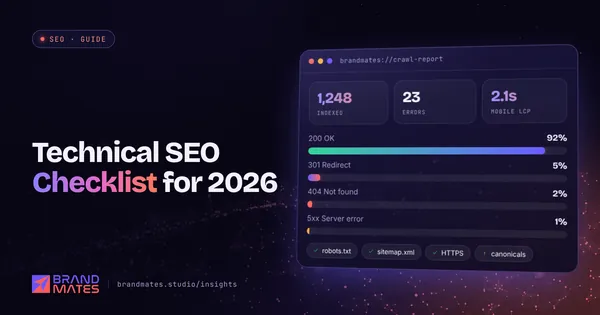
The technical checks that decide whether Google can crawl, index and load your site properly, grouped by priority with free tools for each one.
Read the guide
How to plan a redesign, platform change or domain move so you keep the rankings and traffic you already have, with a full before, during and after checklist.
Read the guide
A realistic month by month SEO timeline, the six factors that decide how fast results arrive, and the early signals that show it is working.
Read the guideTell us where your brand needs to go. We'll come back with a free audit, a plan and a realistic timeline, usually within two working days.